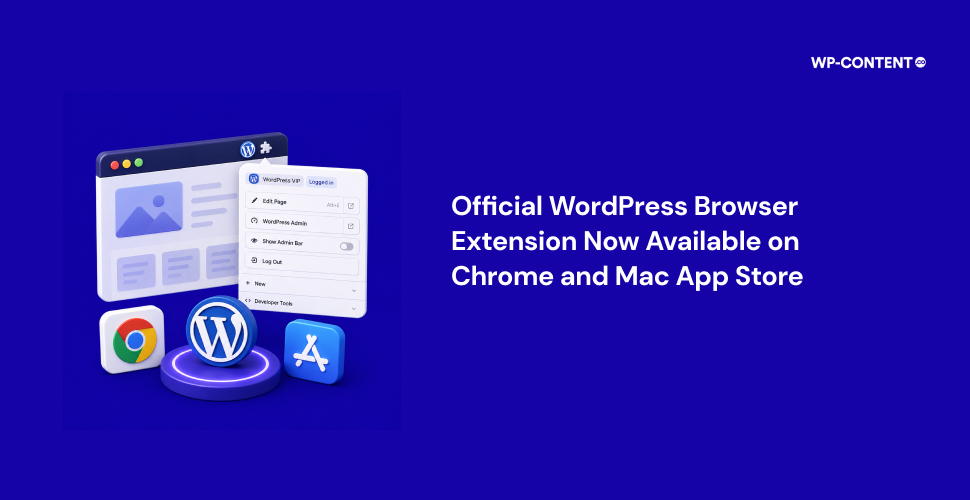


The official WordPress browser extension is now available on the Chrome Web Store and Mac App Store. The extension lets users signed in to WordPress remove the admin bar from view while retaining access to key shortcuts through the browser toolbar. It also provides quick access to their WordPress sites and includes additional tools for building and managing WordPress content.
From side project to official WordPress extension
The project had been in the works for some time, and three months ago we reported on it. Jake Goldman, President of 10up and a Partner and Advisor at Fueled, started the WordPress Browser Extension as a personal side project, called WP Detective.
Goldman explained in a Q&A that existing plugins could hide the admin bar, but the controls remained part of the page. He said this could introduce “quirks of their own,” which led him to consider moving the controls into the browser instead.
AI also played a major role in the development process. Goldman described the project as an “AI-native, AI-first project” and said he used tools including Claude Code and OpenAI Codex. He added, “I’m entirely unashamed to say that I don’t think it has a single line of code typed out originally by humans.” Goldman said even the documentation was drafted with AI and then refined by humans.
The project also grew through contributions from Fueled and the wider WordPress community. Fabian Kägy (Principal Engineer at 10up and core contributor) contributed major architectural improvements and ideas that helped shape the extension’s testing tools, while Khokan Sardar (WordPress Engineer at Travelopia) contributed code and regularly tested releases. Fueled’s Quality Assurance team also helped identify issues and edge cases.
The extension can automatically detect whether a website is powered by WordPress or not. With the extension, the admin bar can be made visible and hidden in a couple of clicks.

Various developer tools are also easily accessible, such as highlight blocks, mobile preview, bypass page cache, and clear site data.

He also highlighted that there is no kind of tracking when using the extension: “Nothing is sent anywhere else, and there is no tracking or analytics of any kind.”
Looking ahead, Goldman said there are “plenty of ideas” for the extension, with expanding support for browsers such as Firefox “high on the list,” along with more tools to make working with WordPress easier. Another idea is “browser-level editorial preferences,” and the team is also interested in editorial tools that could help users “capture a page, link, or passage they encounter on the web and use it as the starting point for a new WordPress post.”