



WordPress 7.0 “Armstrong”, the first major release of this year, has been released. Named in honor of Louis Armstrong (jazz trumpeter and vocalist), this version brings improved AI capabilities, new blocks, improvements to the Font Library, a new Connectors UI, a modernized dashboard, visual revisions, and an enhanced developer toolbox.
The release was originally scheduled to debut during Contributor Day at WordCamp Asia, but was later postponed to allow more time for refining the anticipated real-time collaboration feature. However, real-time collaboration was eventually dropped and did not make it into the final release.
The release was made possible through the efforts of more than 875 contributors from around the world, including over 200 first-time contributors. It includes more than 419 Core tickets, over 76 enhancements and new feature requests, more than 300 bug fixes, along with 411 Gutenberg enhancements and over 486 editor bug fixes.
New Features and Changes in WordPress 7.0
View Transitions in Core
The View Transitions plugin, introduced by the WordPress Core Performance Team last year, has been merged into the core. With this, cross-document View Transitions support is now enabled in the wp-admin area, and for the time being, it will be limited to the admin area and not to the front end, as confirmed by Felix Arntz.
Dashboard Refresh
We can see minor changes in the dashboard regarding the visuals. Firstly, the text input fields are a bit bigger, and the outline border also has a deeper contrast.
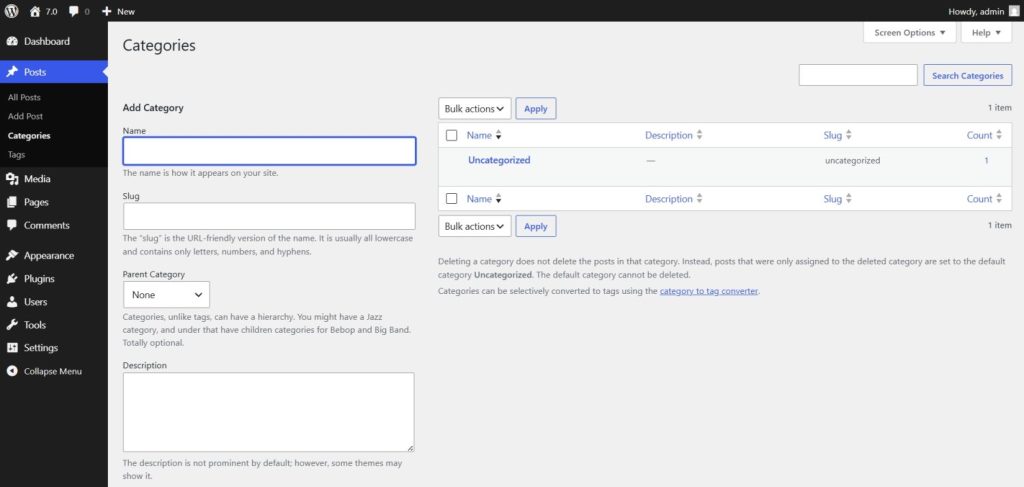
For comparison, below is the text input field in WordPress 6.9:
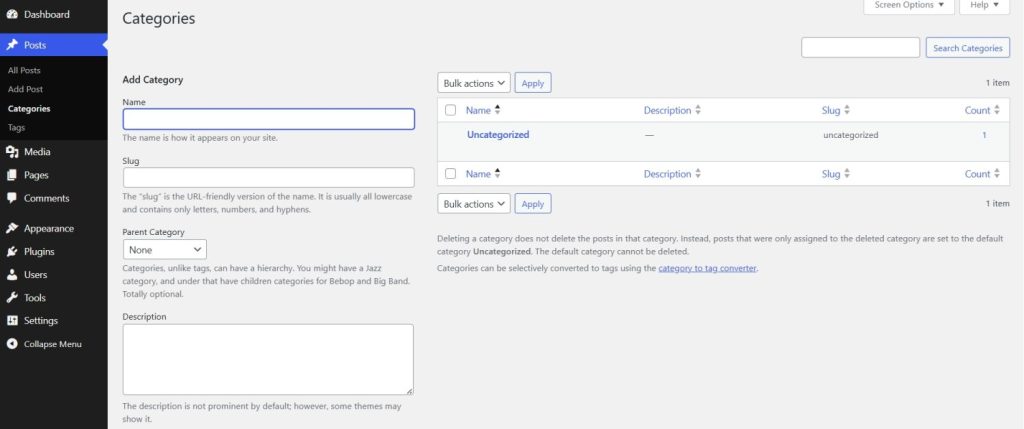
Besides these, the dashboard also spots a new color scheme.
Visual Revisions
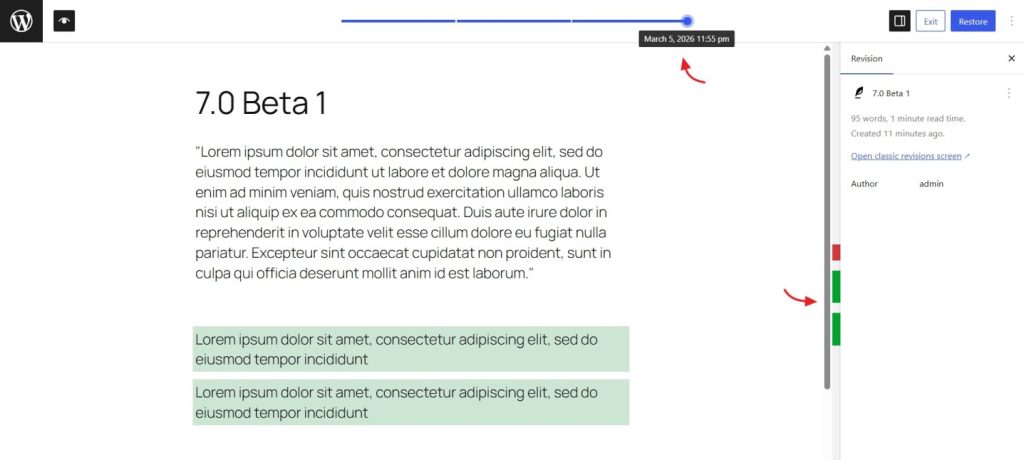
The revision system has undergone a major update and now includes a new “Revisions” screen within the editor. This screen features a slider that lets you view changes made at different points in time. Additions are highlighted in green, while removed content is shown in red.
Responsive Editing Mode
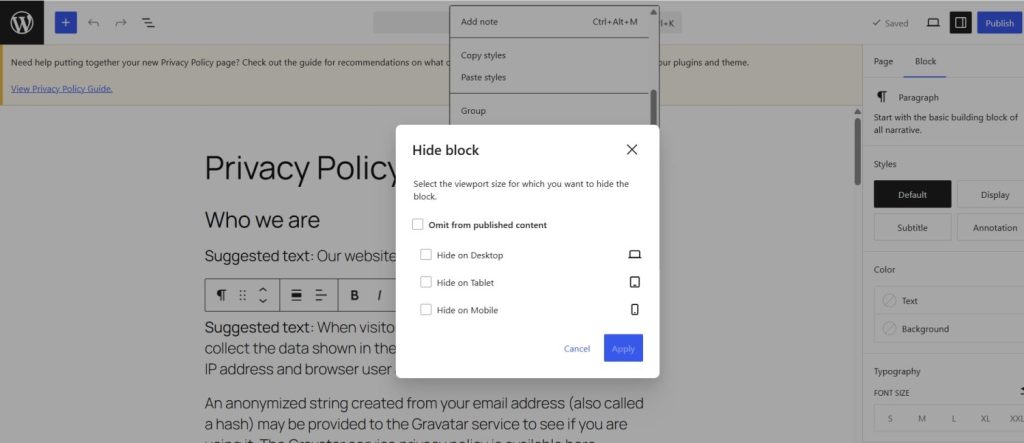
This feature lets you decide which content blocks appear on different screen sizes directly from the editor. You can choose to show or hide blocks for desktop, tablet, or mobile views without writing CSS or modifying the theme.
Font Library Update
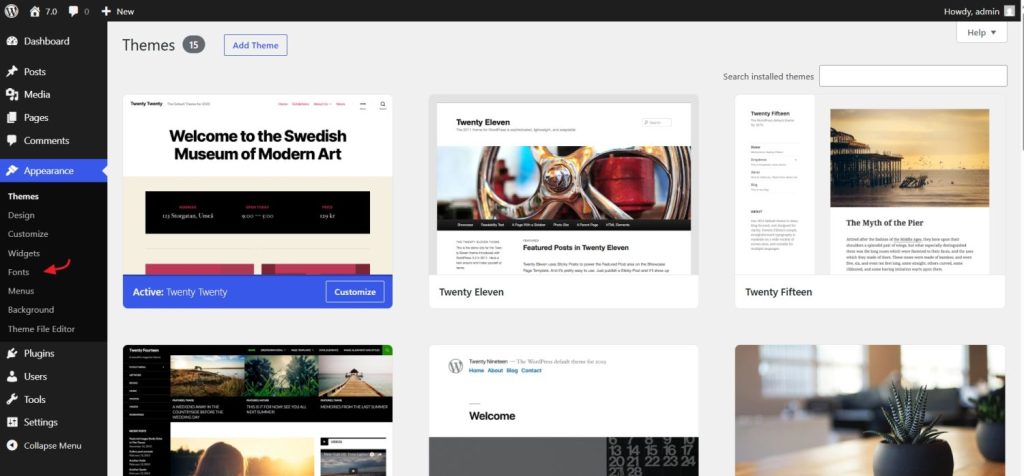
With the upcoming release, the Font Library support has been extended to better support classic themes. A new dedicated Fonts option will now be available in the Appearance tab, making font management easier.
Customizable Navigation Overlays
This allows users to design mobile navigation overlays directly in the Site Editor using blocks and patterns.
PHP-only block registration
Developers will be able to build blocks using only PHP. These blocks automatically appear in the editor without needing any JavaScript registration.
The New AI Client
WordPress 7.0 introduces a built-in, provider-agnostic AI Client that gives plugins a standardized way to communicate with AI models through a single PHP API. Plugins can define the type of request and desired behavior, while WordPress takes care of directing it to an appropriate model from the AI providers configured on the site.
Client-Side Abilities API
This new API expands the Abilities API with a client-side JavaScript counterpart, allowing plugins, AI agents, and automation tools to register, query, and execute browser-based actions such as navigation and block insertion.
Connectors UI
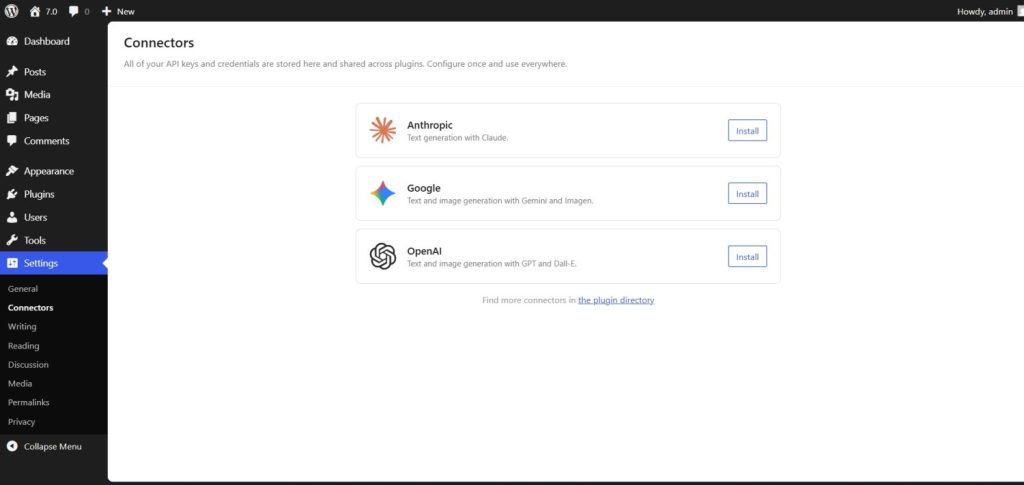
The new Connector UI page allows users to manage all of their third-party AI connections from one location. The new menu resides in Settings > Connector. There’s also a new Connectors API for managing and registering more providers.
Block updates
Heading Block
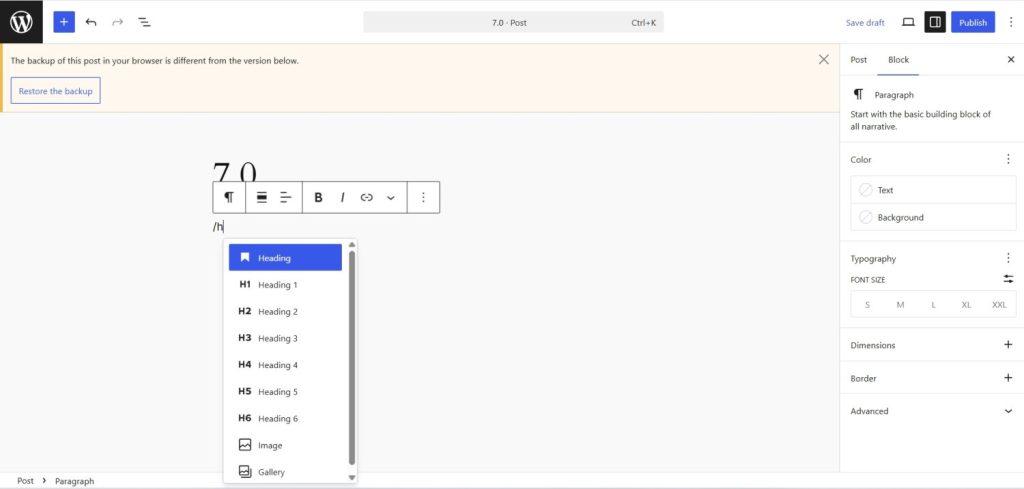
Now choosing the heading levels is much more straightforward as they are available as block variations.
Two New Blocks
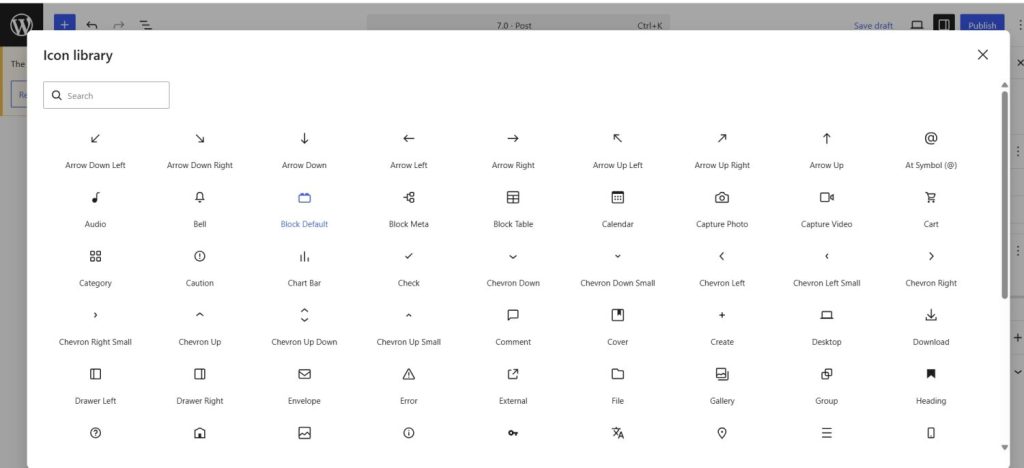
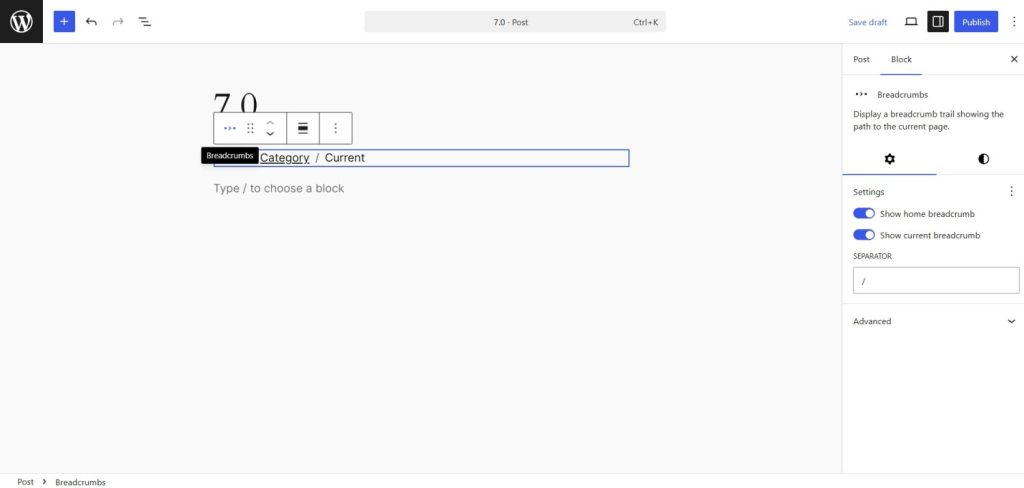
WordPress 7.0 will introduce a new Icon and Breadcrumbs block. The icon block will allow users to add one or more icons along with limited styling.
The Breadcrumbs block will reflect the site navigation automatically.
Cover Block Enhancement
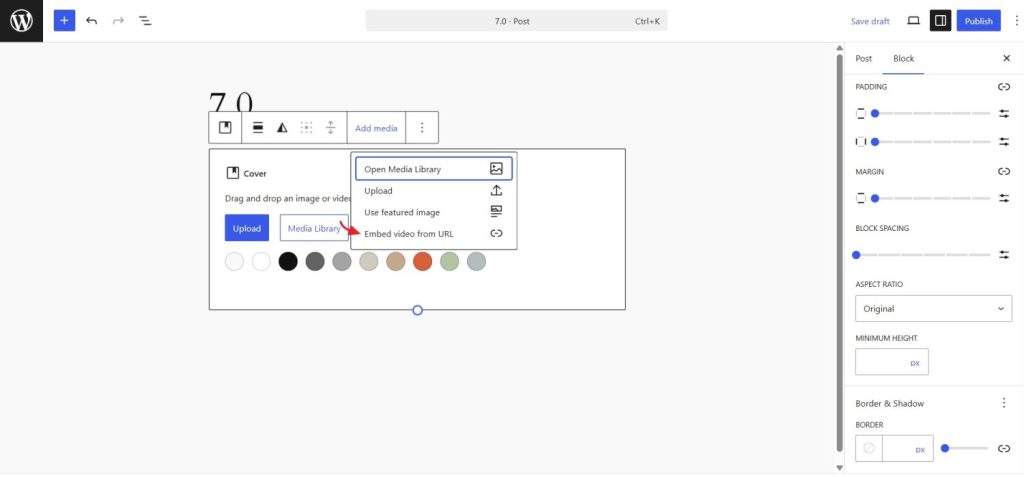
There will be support to embed video from URL in the cover block with the release of the upcoming version.
Grid Block
The block is now responsive, and users can make use of the minimum column width and columns controls at the same time now.
Gallery Block
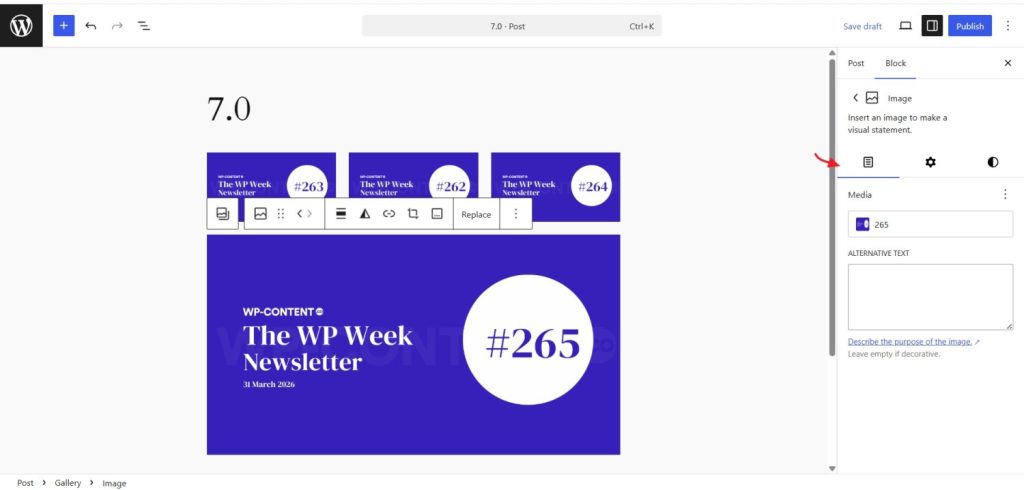
The block now has lightbox support along with a new content tab in the settings.
Miscellaneous Changes
There are also several Iframed Editor changes, Interactivity API changes,pseudo-element support for blocks and their variations in theme.json, accessibility improvements, and updates to DataViews.
The release was led by Matias Ventura (Automattician and the lead of the Gutenberg project), and the release coordination team included Ahmed Kabir Chaion (Hosting.com & Rocket.net sponsored), Amy Kamala (Elementor sponsored), and Mary Hubbard (WordPress Executive Director).
With WordPress 7.0 now released, attention shifts to WordPress 7.1, the second major release planned for this year, where work on upcoming features and the next set of platform improvements is expected to continue.